“It works on my machine” kills more portfolio demos than any modeling mistake. The fix already has a name: containerize your machine learning model so it runs the same way everywhere, not just on the laptop that trained it.
What it means to containerize a machine learning model
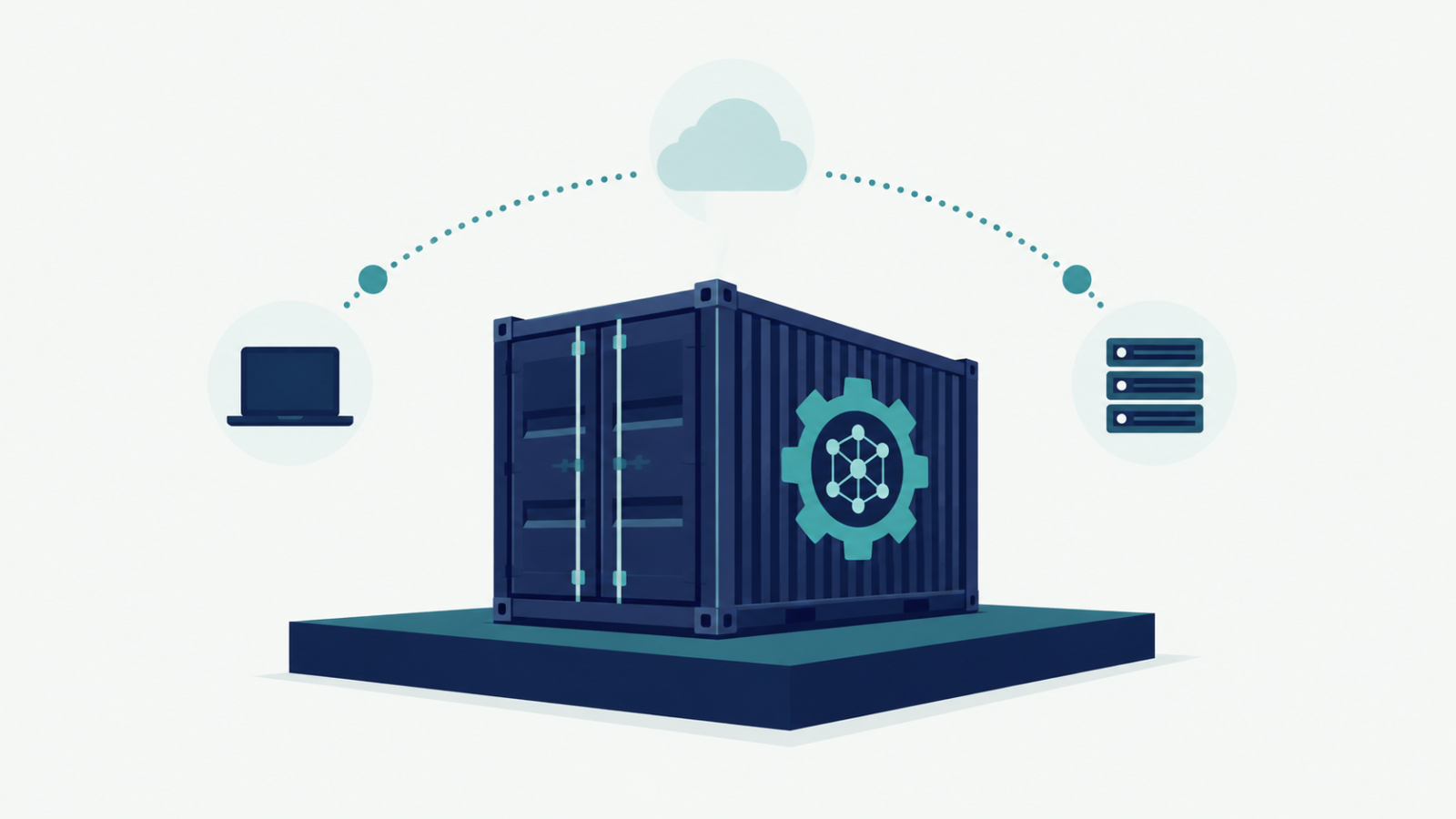
To containerize a machine learning model means packaging it — code, dependencies, runtime, system libraries — into a single portable image that runs identically regardless of the host machine. The model stops depending on “whatever happens to be installed” and starts depending on nothing but the container runtime itself.
Why this matters more than it seems
A model that only runs inside your specific Python environment isn’t deployed — it’s a demo only you can personally operate. A reviewer trying to run your project on their own machine hits version conflicts, missing system libraries, or a dependency that quietly changed behavior since you last tested it. Every one of those problems disappears once you containerize a machine learning model, because the environment ships with the code instead of being assumed.
A real example: containerized deployment
The bike-share demand forecasting project is deployed behind a containerized FastAPI endpoint specifically so the forecasting model can be queried in real time without anyone needing to replicate the original training environment by hand. Anyone with Docker installed can run it exactly as intended, on any machine.
Containers make version comparisons honest too
Containerizing a model pairs naturally with the version-tracking discipline behind the support ticket triage platform, which logs every model iteration in MLflow before trusting a new version with real tickets. A containerized model plus a tracked version history means a reviewer can pull up exactly the version that produced a given result and rerun it — not approximate it.
You don’t need Kubernetes to get the benefit
Containerizing a machine learning model is often confused with a full production deployment stack — Kubernetes, auto-scaling, load balancers. None of that is required to get the core benefit. A single Dockerfile and a docker run command already solves the reproducibility problem completely; orchestration only becomes relevant once you’re running many containers at real scale.
A quick checklist
- Does your project include a Dockerfile, or does running it require manually replicating your exact local setup?
- Have you actually tested that your container runs on a machine other than the one that built it?
- Is your model served through an API inside the container, so it can be queried without touching the underlying code?
- If you retrain the model, is the new container version clearly distinguishable from the old one?
FAQ
Is Docker overkill for a small portfolio project?
Not really — a basic Dockerfile takes minutes to write and immediately proves the project runs outside your own machine, which is exactly what a reviewer needs to see.
Do I need Kubernetes to containerize a machine learning model properly?
No. Kubernetes solves orchestration at scale; a single container already solves reproducibility, which is the problem that matters most for a portfolio project.
What’s the minimum a Dockerfile needs for an ML project?
A base Python image, your pinned dependencies, your model artifact or training code, and the command to start your serving API (e.g. FastAPI via uvicorn).