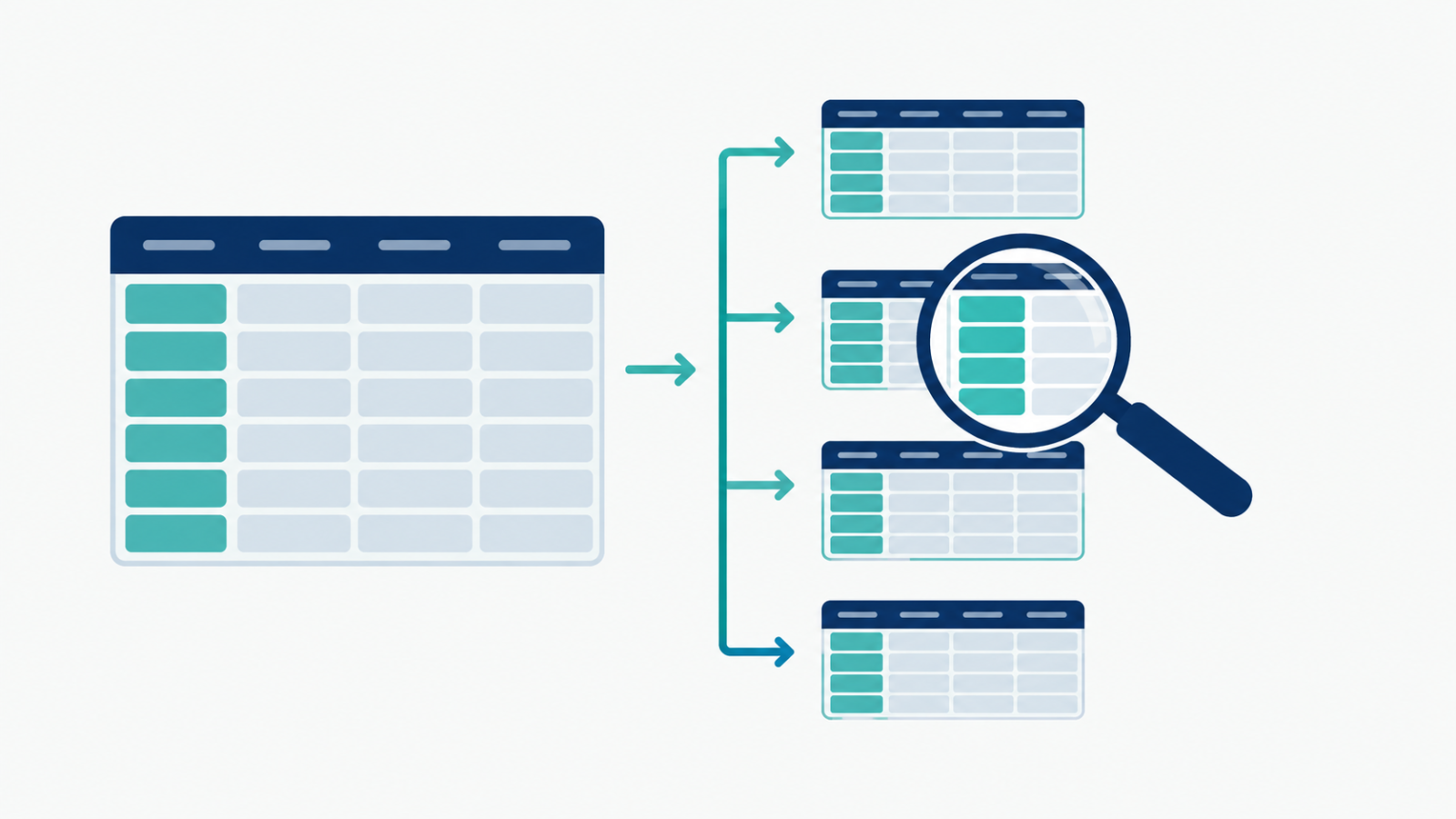
A query that scans every row of a billion-row table to find last week’s data is doing far more work than it needs to. Table partitioning strategies split a large table into smaller physical chunks so a query only touches the part it actually needs.
What partitioning actually does
Partitioning divides a table by a chosen column, most commonly a date, into separate physical segments. A query filtered to a specific date range can skip every partition outside that range entirely, instead of scanning the whole table. This is often the single biggest speedup available on a large analytical table, well before any indexing or query rewriting.
Date-based partitioning: the common default
Most analytical workloads query recent data far more than old data, which makes a date column the natural partition key. Daily, weekly, or monthly partitions all trade off differently: finer partitions mean more precise pruning but more partition overhead, coarser partitions mean less overhead but less precise skipping.
A real example: where this would matter
The Olist e-commerce analytics engineering project models 99,441 real orders, a scale where partitioning isn’t strictly necessary yet, but the same fact table structure, orders with a clear timestamp, is exactly the shape that benefits from date partitioning as volume grows. Designing the fact table with an obvious partition key from the start avoids a costly restructuring later.
Choosing a partition key that isn’t just “date”
Date isn’t always the right choice. A multi-tenant system might partition by customer or region instead, if queries are typically scoped to one tenant at a time rather than one time range. The right partition key matches how queries actually filter the data, not just whatever column looks like the obvious candidate.
Where partitioning can backfire
- Too many small partitions add metadata overhead that can outweigh the benefit of skipping unneeded data.
- A partition key that doesn’t match query patterns provides no pruning benefit at all, since queries still have to scan every partition.
- Skewed data across partitions, one partition far larger than the others, can create a bottleneck even with partitioning in place.
A quick checklist
- Do most queries against this table filter by a specific column, like a date range or a tenant ID?
- Would partitioning on that column actually let queries skip a meaningful fraction of the data?
- Is the partition granularity matched to real query patterns, not just picked arbitrarily?
- Is data distributed reasonably evenly across partitions, or does one partition dominate?
FAQ
Is partitioning the same as indexing?
No. Partitioning splits data physically into separate segments; indexing creates a lookup structure within a table or partition. They solve related but distinct performance problems and often work together.
Does a small dataset need partitioning?
Usually not. The benefit shows up once a table is large enough that a full scan is genuinely expensive, which small analytical datasets typically aren’t yet.
Can a table be partitioned by more than one column?
Yes, some systems support composite partitioning, though it adds complexity and is worth it mainly when queries consistently filter on both dimensions together.