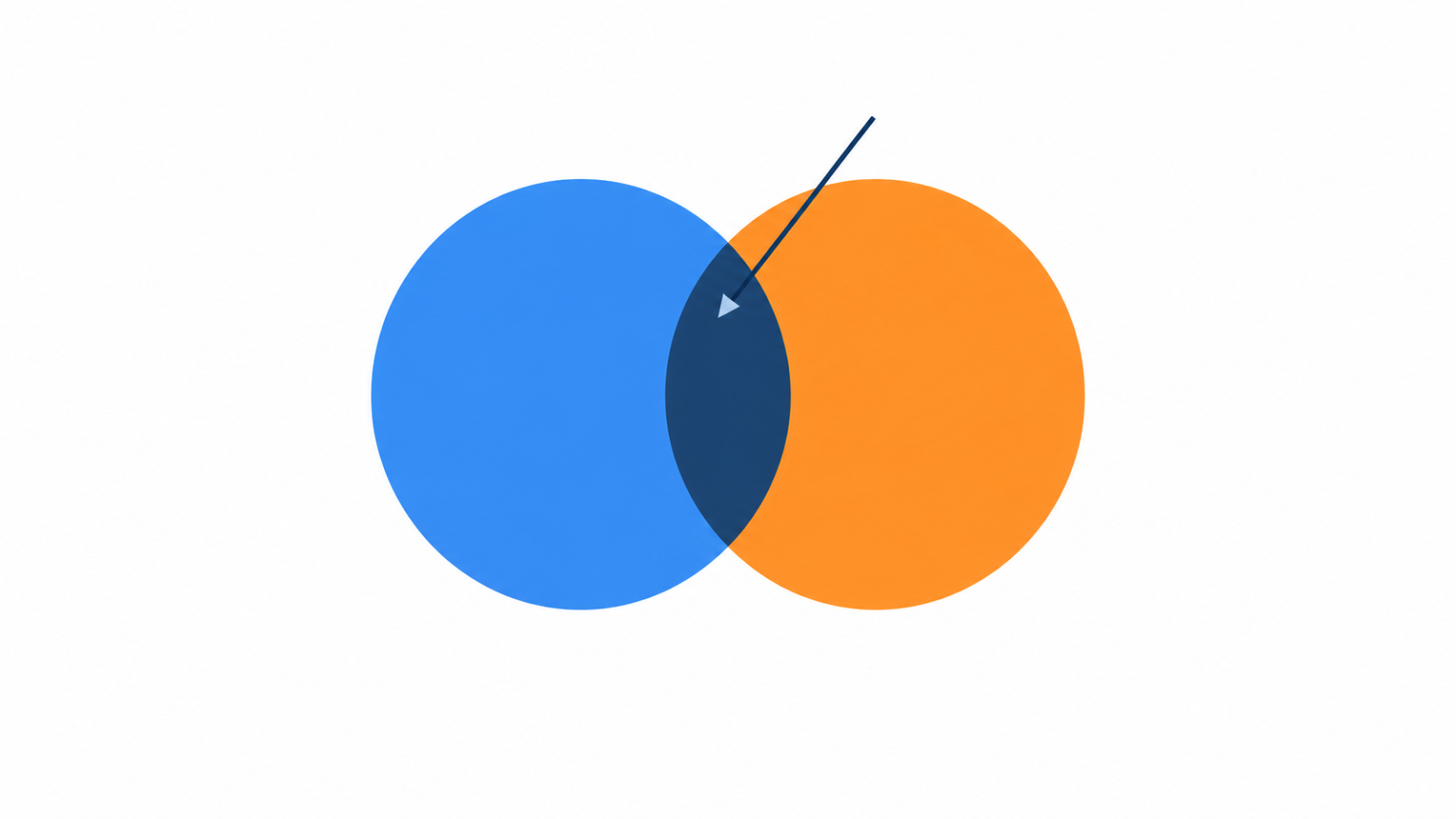
A join combines rows from two tables based on a related column. The different join types only differ in what happens to rows that have no match, and that one detail is behind most join mistakes.
The example tables
The examples below use two small tables. customers has an id and a name. orders has an id, a customer_id that points back to the customer, and an amount. Some customers have placed orders, and some have not.
Inner join
An inner join returns only the rows that have a match in both tables. A customer with no orders does not appear, and an order with no matching customer does not appear either.
SELECT c.name, o.amount
FROM customers c
INNER JOIN orders o ON o.customer_id = c.id;
Left join
A left join returns every row from the left table, plus the matching rows from the right table. Where there is no match, the right-side columns are filled with NULL. It is the right choice when you want to keep all customers, whether or not they ordered.
SELECT c.name, o.amount
FROM customers c
LEFT JOIN orders o ON o.customer_id = c.id;
A common use is finding rows with no match, such as customers who have never ordered: add WHERE o.id IS NULL after the join.
Right join and full join
A right join is the mirror image of a left join, keeping every row from the right table. Most people avoid it and swap the table order to use a left join instead, which reads more naturally. A full outer join keeps every row from both tables and uses NULL wherever there is no match. Some databases, such as MySQL, do not support it directly.
Cross join
A cross join returns every combination of rows from the two tables, with no matching condition. It is useful for generating combinations, such as every product paired with every date, but on large tables it produces a huge result very quickly.
Mistake 1: rows multiplying
If you join on a column that is not unique in one of the tables, each match produces its own row, and totals can be counted several times. Before joining, know the grain of each table, meaning what one row represents. If the result has more rows than you expected, look for duplicates in the join keys, using techniques like those in data deduplication.
Mistake 2: a filter that cancels the left join
Putting a condition on the right table in the WHERE clause removes the NULL rows a left join was meant to keep, which quietly turns it into an inner join. To filter the right table without losing unmatched left rows, put the condition in the ON clause instead.
Mistake 3: NULL keys never match
A NULL is not equal to another NULL, so rows with a NULL join key will not match each other. If your keys can be missing, decide how those rows should be handled before they reach the join.
Joins and performance
Joins are fastest when the join columns are indexed, as explained in SQL indexes. In analytical models, the shape of your tables decides how many joins a query needs, which is part of the choice in star schema vs snowflake schema. When a join is only there to compare a row with related rows, window functions vs subqueries may give a simpler query.
A quick checklist
- Do you know what one row of each table represents?
- Are the join keys unique where you expect them to be?
- Do you need to keep unmatched rows, which means a left join, or drop them?
- Are right-table filters in the
ONclause when you use a left join? - Does the row count after the join match what you expected?
FAQ
What is the difference between inner join and left join?
An inner join returns only rows with a match in both tables. A left join returns every row from the left table and fills the right-side columns with NULL when there is no match.
Why does my join return more rows than expected?
The join key is probably not unique in one of the tables, so each match creates its own row. Check for duplicate keys and the grain of each table.
Does MySQL support full outer join?
Not directly. A common workaround is to combine a left join and a right join with a union.