Both Streamlit and Gradio turn a Python script into something a non-technical reviewer can click through. The Streamlit vs Gradio choice isn’t about which is better, it’s about which one matches what you’re actually building.
Streamlit vs Gradio: the core difference
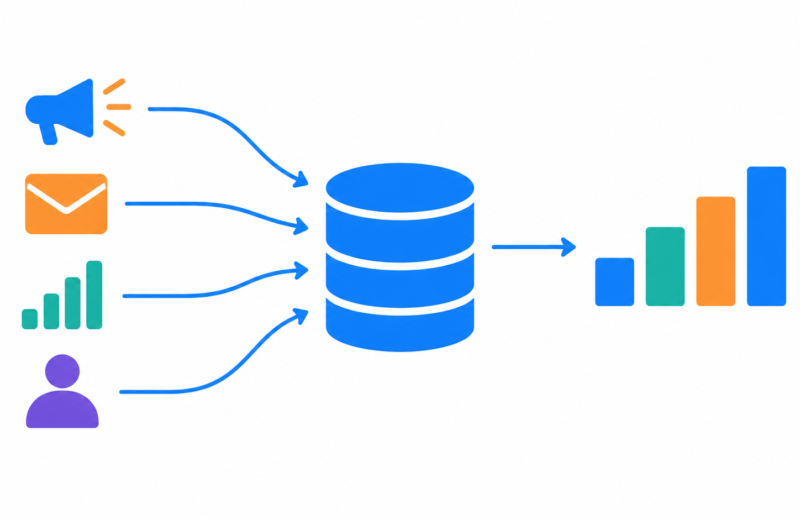
Streamlit is built for data apps and dashboards, multi-panel layouts, charts, filters, exploration. Gradio is built around a single input-to-output interface, type or upload something, get a prediction back. The Streamlit vs Gradio decision usually resolves itself once you’re clear on which of those two shapes your project actually is.
When Streamlit is the right call
The Olist e-commerce analytics engineering project uses a self-serve Streamlit dashboard so a non-technical stakeholder can explore sales, delivery performance, and customer behavior across multiple views, exactly the kind of multi-panel exploration Streamlit is built for. The retail analytics warehouse takes the same approach for the same reason: a dashboard, not a single prediction.
When Gradio is the right call
The support ticket triage platform uses Gradio instead, a reviewer types in a ticket and immediately sees the predicted category and priority. That’s a single input-to-output loop, which is exactly Gradio’s core use case, and it took a fraction of the setup a dashboard would have needed for the same job.
Setup speed vs. layout control
Gradio typically gets a working interface up in fewer lines of code when the goal is “show a prediction for this input.” Streamlit takes a bit more setup but gives far more control over layout, multiple charts, and page structure once the project needs more than one view. Neither speed advantage matters much if you pick the wrong shape for the job, a Gradio app forced to behave like a dashboard, or a Streamlit app used for a single prediction, both fight the tool instead of using it.
A quick checklist
- Is the core interaction “give input, get one result” (lean Gradio) or “explore multiple views of data” (lean Streamlit)?
- Do you need charts, filters, and multiple panels, or just a clean prediction interface?
- Are you demoing a single model’s behavior, or letting someone explore a dataset broadly?
- Would forcing this into the other tool add friction, or would either work fine here?
FAQ
Can Gradio build multi-panel dashboards too?
To some extent with Gradio Blocks, but Streamlit’s layout system is generally more mature for dashboard-style, multi-view apps.
Is one of these more production-ready than the other?
Both are commonly used for demos and internal tools; neither is typically the final production serving layer for a model at scale, that’s usually a dedicated API like FastAPI behind the scenes.
Which is faster to learn for a first project?
Gradio tends to have a shorter path to a first working interface when the goal is a single prediction demo. Streamlit’s learning curve pays off once the project needs more than one view.