Sooner or later a source system adds a column, renames another, or changes a type, and a pipeline that worked yesterday fails or, worse, keeps running and loads the wrong thing. Schema evolution is the practice of handling those changes on purpose instead of by surprise.
The kinds of schema change
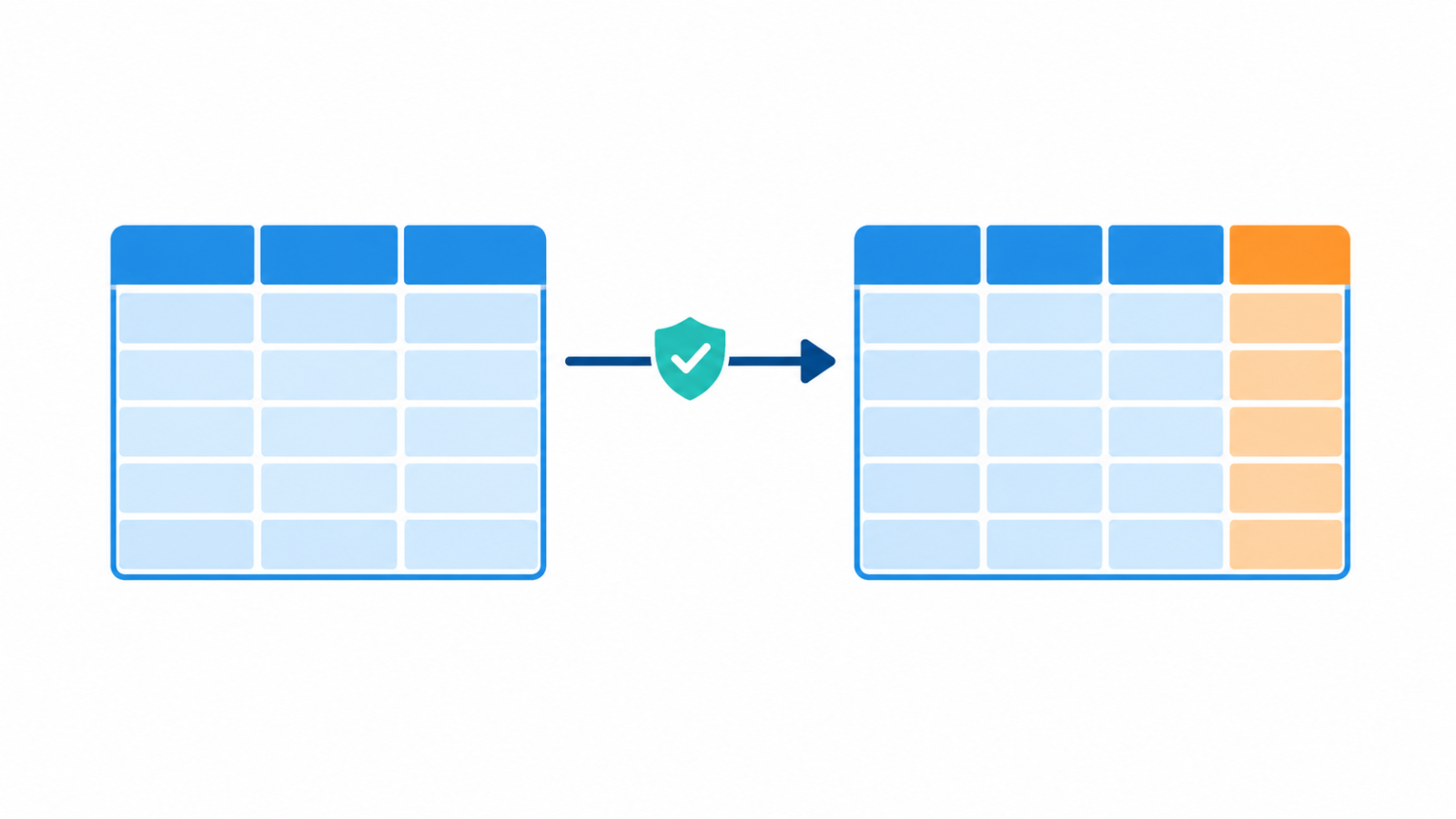
Not all changes carry the same risk. Adding a column is usually safe, because downstream code that does not know about it can ignore it. Removing or renaming a column is breaking, since anything that reads it will fail or return nulls. Changing a type, for example from integer to string or from one date format to another, can break comparisons, joins and aggregations in quiet ways. Changing the meaning of a column without changing its name is the hardest case, because nothing in the schema shows it.
Fail loudly or adapt automatically
There are two broad responses. A strict pipeline stops and alerts when the schema does not match what it expects. That protects downstream data but interrupts delivery. A flexible pipeline accepts new columns automatically and carries on. That keeps data flowing but can push unreviewed changes into reports. A sensible middle path is to accept additive changes automatically, and stop on removals, renames and type changes until someone reviews them.
Agree on the schema in advance
Most surprises come from producers changing data without telling consumers. A written agreement about the columns, types and meaning, along with who must be told before a change, prevents many of them. That agreement is the idea behind data contracts.
Protect downstream users
A few patterns limit the damage of a change. Keep the raw layer loose, so a new or odd column does not stop ingestion, and apply the strict schema in a later layer, as in medallion architecture. Expose tables to analysts through views with stable column names, so you can adapt the view when the source changes and leave dashboards untouched. Select the columns you need by name instead of using SELECT *, so an unexpected new column does not leak into outputs.
What storage formats and table formats allow
File and table formats differ in how they handle change. Avro resolves differences between a writer’s schema and a reader’s schema, and defaults let readers cope with added fields. Parquet stores the schema with the file, and engines can merge schemas across files. Table formats such as Apache Iceberg and Delta Lake support adding columns, and in some cases renaming or dropping them, without rewriting all the data. The exact rules differ by format and version, so check the documentation of the one you use before relying on a change being safe.
Backfilling after a change
When a new column appears, old rows will not have a value for it. Decide whether they stay null, get a default, or are backfilled from the source. If you backfill, the loading approach matters, which is covered in incremental load vs full refresh, and the platform you load into affects how painful it is, as discussed in warehouse vs lake vs lakehouse.
Detect changes early
Add checks that compare the incoming schema to the expected one and alert on differences, and watch for columns that suddenly fill with nulls. These are the checks described in data observability. Catching a change at ingestion is far cheaper than finding it in a wrong number on a dashboard.
A quick checklist
- Do you know which source changes are additive and which are breaking?
- Does the pipeline alert on removed, renamed or retyped columns?
- Is there an agreement with data producers about changes?
- Do consumers read through stable views and named columns?
- Do you have a plan for backfilling a new column?
If you want a pipeline built to handle changing sources, see my ETL and ELT engineering service.
FAQ
What is schema evolution?
It is the handling of changes to a dataset’s structure over time, such as added, removed, renamed or retyped columns, without breaking the pipelines and reports that depend on it.
Is adding a column a breaking change?
Usually not, since code that does not know about the column can ignore it. It can still break code that uses SELECT * or expects a fixed set of columns.
What is schema drift?
It is the unplanned divergence between the schema a pipeline expects and the schema the source actually delivers, often caused by a source team changing data without notice.